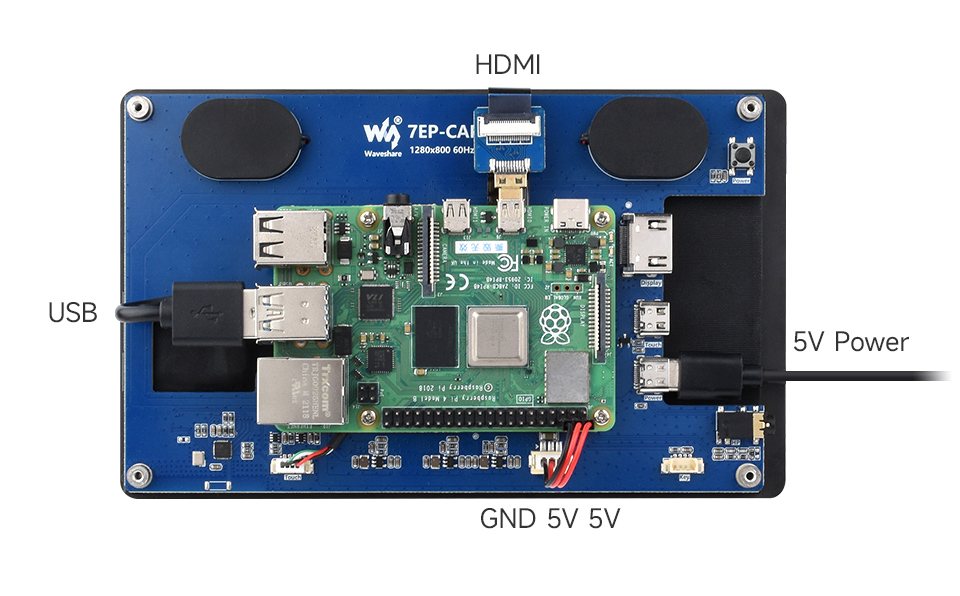
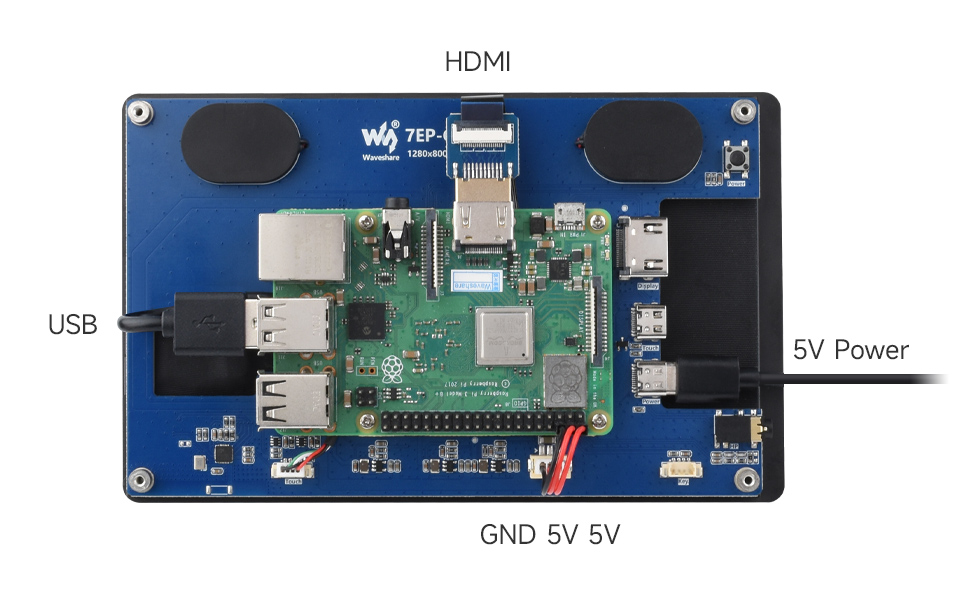
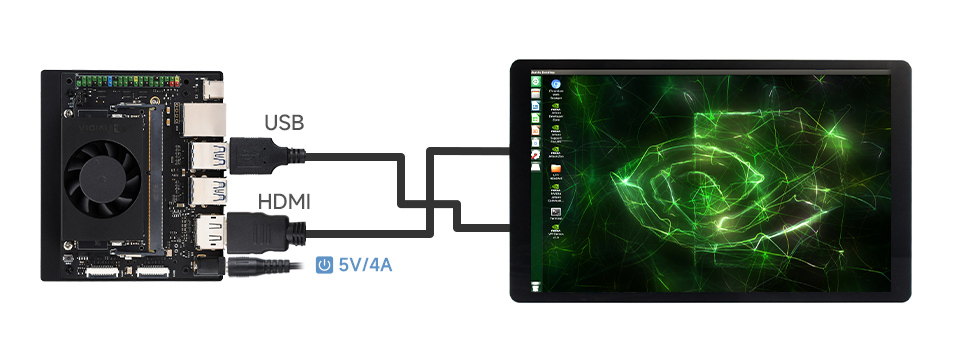
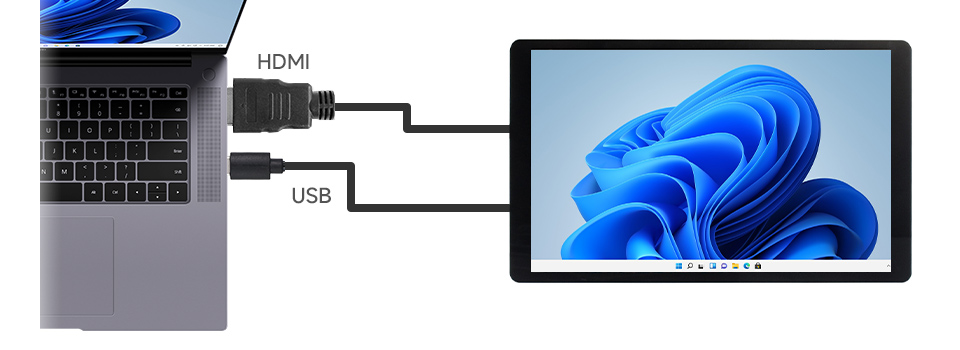
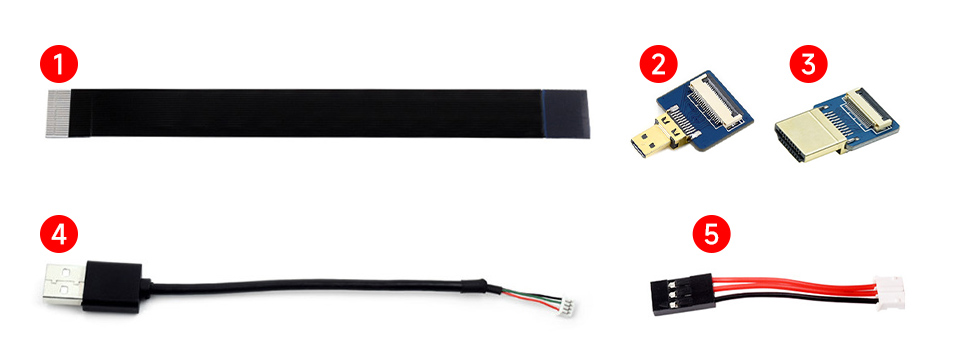
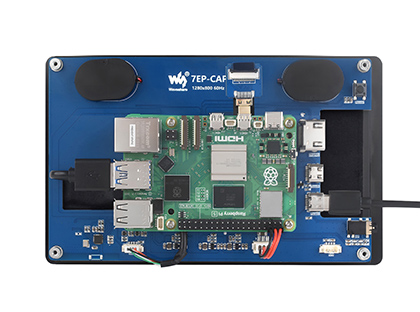
Prepare the accessories as shown above, here we take Raspberry Pi 5 as an example
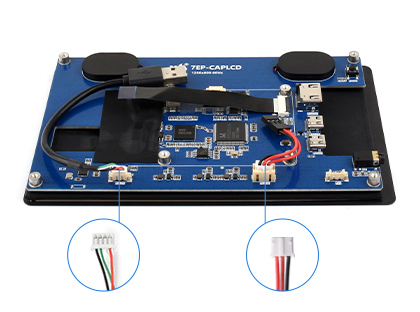
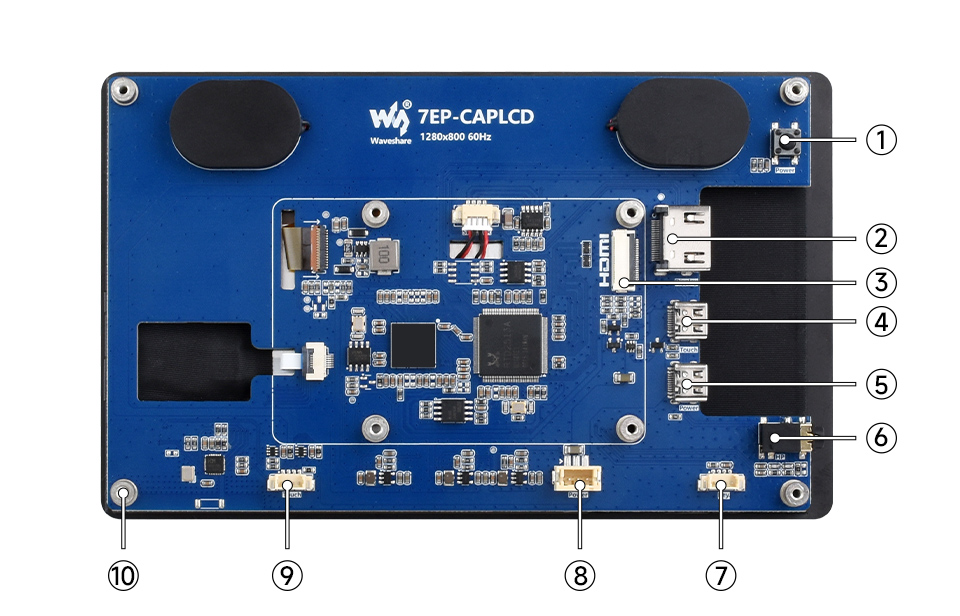
Step 1: Connect the cable ①, ④, and ⑤ to the corresponding positions as shown in the picture above.
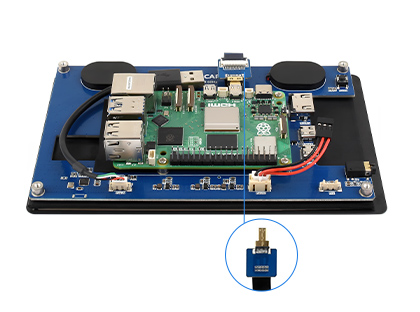
Step 2: Install the Raspberry Pi 5 on the PCB board of the LCD, connect the HDMI adapter to the cable ① (select HDMI adapter ② or ③ according to your Raspberry Pi model) and then connect it to the Raspberry Pi Micro HDMI port.
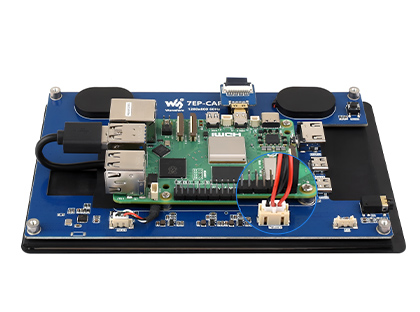
Step 3: Connect the cable ④ to the USB port of the Pi and connect the cable ⑤ to the GPIO 5V and GND pins as shown above.
Step 4: Complete the assembly as shown in the picture and ensure all connections are correct, then connect to a 5V power supply and power on.
Technology upgrade, better image quality
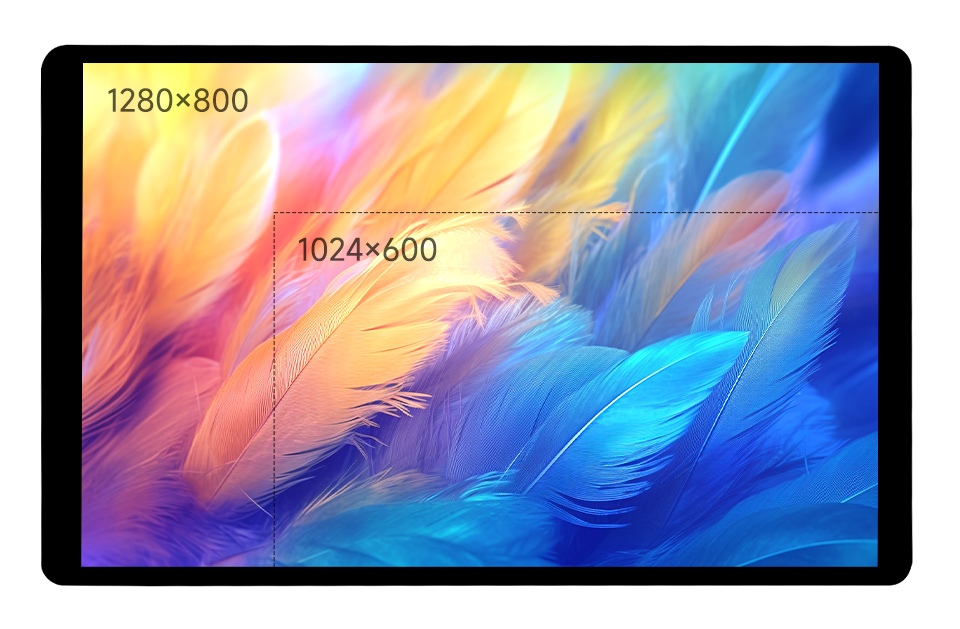
1280 × 800 resolution, provides clear image and vivid color display effect
IPS Display Panel
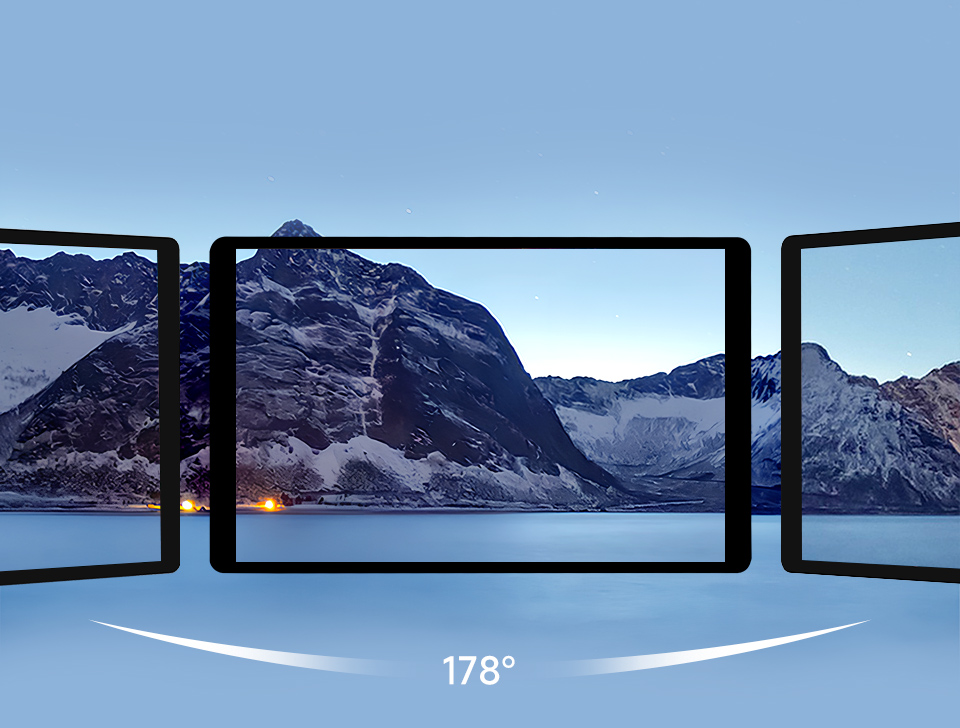
Excellent Display Performance With 178° Wide Viewing Angle
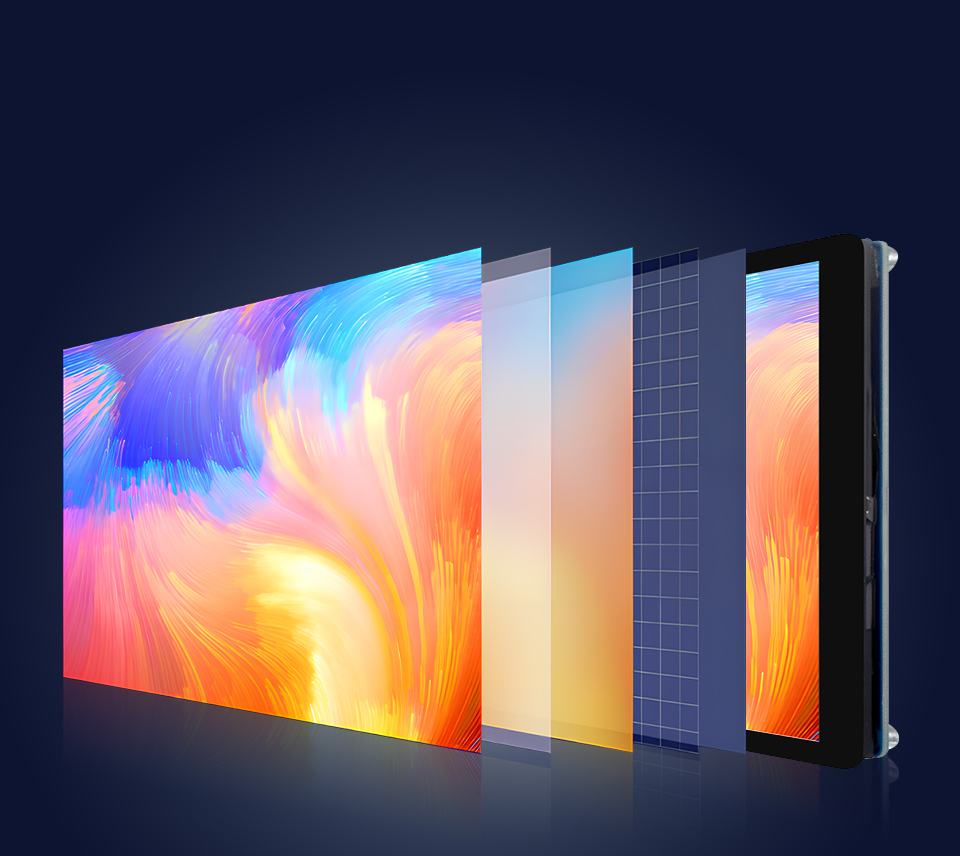
Wide Color Gamut LED technology
Wider Color Gamut, More Pure Chroma
Color Gamut Of This Display Is Up To NTSC 68%, Chroma Increases 58.3%, Makes The Color More Pure, More Vivid
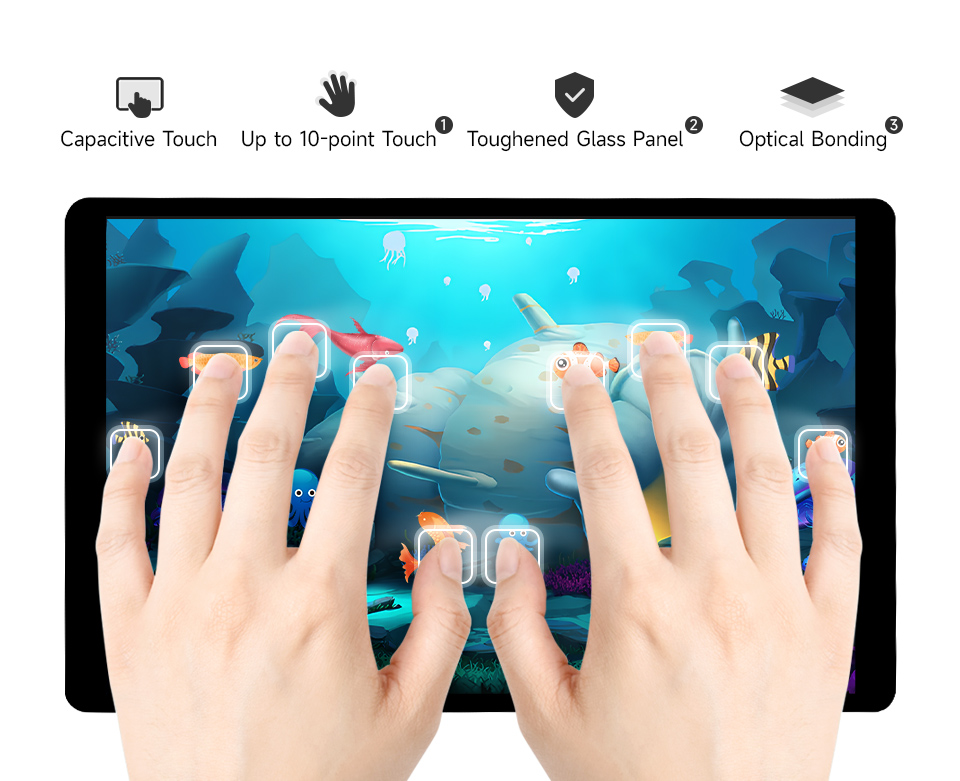
Capacitive 10-Point Touch
up to 10-point touch, depending on the operating system